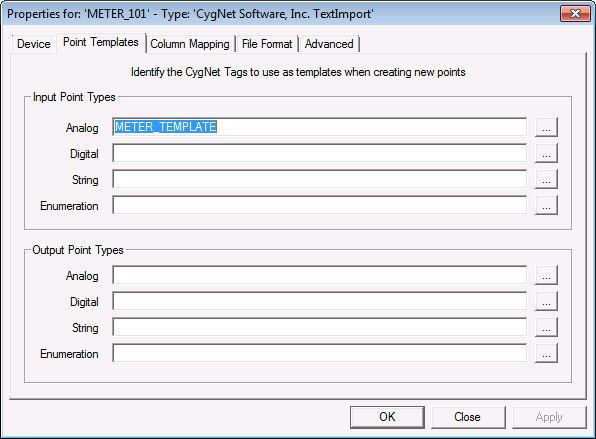
On the Point Templates page, you can select existing tags in the PNT to serve as templates for those that will be created with the Text Import. A template tag can be selected for each point type: Analog, Digital, String, and Enumeration for both Input Point Types and Output Point Types.
Information contained in the source import file will take precedence over information in the specified template tag. For example, if you have specified alarm settings in the import file, they will take precedence over the settings in the template tag.
Click the Browse button to select the template tags.
|
|
|

